What is PDF remediation
Updated . An 8 minute read.
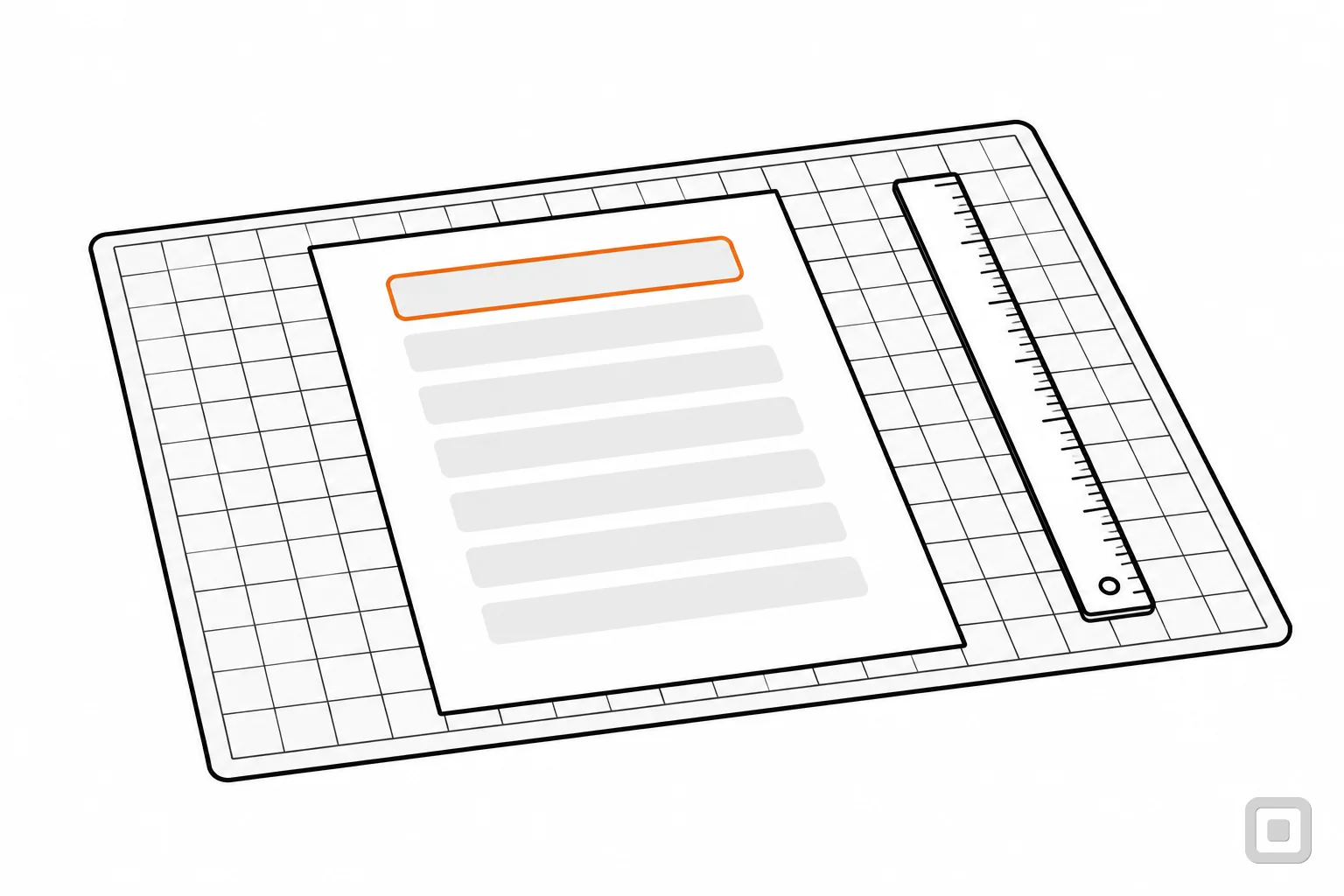
Before remediation, a screen reader gets the text in the order it was drawn:
Visitor guide page 1 of 2 Getting here Visitor guide The museum is open 1. Park in the east lot. Tuesday to Sunday. Day Opens Closes Tuesday 10am 5pm Entry to the main hall is free. 2. Follow the blue line
No headings to jump between, no list, no table, the plan skipped in silence, and the page header read as if it were content.
After: the tag tree a remediator leaves behind
Document
- H1Visitor guide
- PThe museum is open Tuesday to Sunday. Entry to the main hall is free.
- FigureAlt: “Ground floor plan. The lift is to the left of the main entrance.”
- H2Getting here
- La list of two steps
- LILbl 1. LBody Park in the east lot.
- LILbl 2. LBody Follow the blue line to the door.
- Tableopening hours
- TRTH Day, TH Opens, TH Closes
- TRTD Tuesday, TD 10am, TD 5pm
The running header “Visitor guide page 1 of 2” is marked as an artifact, so it stays on the page and out of the tree. The page looks exactly as it did before.
What PDF remediation is
PDF remediation is repair work on a PDF that already exists. A remediator opens the finished file and rebuilds the layer that assistive technology reads: the tags that say what each block is, the order to read them in, the alt text for images and the names of form fields. The page looks the same afterwards. What changes is whether a screen reader, a magnifier or a voice-control user can use it.
The work is measured against two standards. PDF/UA-1 (ISO 14289-1) is the ISO standard for accessible PDF, and the Library of Congress's format description of PDF/UA-1 notes that its requirements are consistent with WCAG 2.0. WCAG is the standard US rules name: the Title II web rule and the Section 508 Standards both do. A remediated file is tested against both.
What the work covers, job by job
A full remediation pass covers eight jobs. Each has a W3C technique that shows one way to do it; W3C says the PDF techniques are examples, not requirements, and a file can meet a criterion another way.
- Tags and structurePDF9, PDF21
- Every heading, paragraph and list gets the right tag, so a screen reader can jump between headings and count list items.
- Reading orderPDF3
- The tags are put in the order a person would read the page, across columns, sidebars and captions.
- Images and artifactsPDF1, PDF4
- Each meaningful image gets alt text; borders, background shapes and running headers are marked as artifacts and skipped.
- TablesPDF6
- Header cells are tagged as headers, so each data cell is read with its row and column.
- Form fieldsPDF10, PDF12
- Every fillable field gets a name a screen reader announces, and the tab order follows the form.
- Text from scansPDF7
- A scanned page is run through OCR and proofread, so there is text to tag at all.
- Title and languagePDF18, PDF16
- The document properties carry a real title, shown in place of the file name, and the language.
- Checking
- The file is tested against PDF/UA-1 and the WCAG target with a checker, then by a person.
Doing these yourself, in order, with the Acrobat steps, is the subject of how to make a PDF accessible. Alt text is the one job a service cannot finish alone: only you know why a chart is in the report.
Remediation or fixing the source file
Most PDFs are exported from something else: a Word file, a slide deck, a design file. Making the PDF accessible at the source means setting headings, alt text and table headers in that original and exporting with tags. Remediation works on the exported PDF instead. Both end in a tagged file; the difference shows the next time the document changes.
Repairs made in a PDF do not travel back into the Word file it came from. Edit the original and export again, and the new PDF starts from whatever structure the original had. So for a document you will update, fix the source once; send a remediator the files whose source is lost, scanned, or made by someone else.
The export setting that decides most of it
In Microsoft 365 on Windows, save as PDF and, under Options, keep “Document structure tags for accessibility” ticked. Microsoft says to run its Accessibility Checker first. Our guide to accessible Word documents covers what to set before you export.
When a web page beats a remediated PDF
What UK government guidance says
HTML is the most accessible format for publishing documents. It should be your first choice whenever possible.
From GOV.UK's publishing accessible documents. It is UK guidance, not US law, but US federal policy points the same way.
Section508.gov says federal policy requires agencies to prioritize HTML and use PDFs only when necessary. For a small business the reasons are practical. A web page reflows on a phone, takes the site's headings, contrast and focus styles for free, and is fixed once in a template. A PDF has to be remediated again every time it changes.
- Make it a web page when it changes often (a menu, a timetable, a price sheet) or when people fill it in (an intake form, an application).
- Remediate the PDF when the file itself is the point: a signed agreement, a report kept as issued, a form a regulator supplies.
- Leave it, labelled, when nobody uses it any more: move it to a clearly marked archive and offer an accessible copy on request.
The one-file version of this choice, with a picker, is in how to make a PDF accessible.
What a remediation job should hand back
A delivery of tagged files alone tells you little. Ask for proof with each file: a checker report, a list of what changed, and word that a person looked. PAC, the free checker from axes4, tests many PDF/UA and WCAG requirements automatically, and its makers say a visual check by a person is still needed. Tick what your last delivery included; the gaps turn into lines for your reply.
Pre-filled with a typical first delivery: the files, a checker report and the properties. Tick what you actually received.
3 of 8 in hand. Still to ask for:
- List what was changed in each file: tags, reading order, alt text, tables, form fields.
- Send us the alt text for every image before final delivery; we know why each picture is there.
- Tell us anything you could not fix, or need us to decide, such as a chart that needs a long description.
- Confirm a person checked each file with a screen reader or by hand, not only with an automated checker.
- Say whether you re-fix a file free if it fails a check after delivery, and for how long.
This list is our house judgement, not a standard's requirement.
Before you pay, open a few files in our PDF accessibility quick check, which reads the file in your browser and reports whether it is tagged, titled and set to a language. Which firms state a report and a human check on their own pages is set out in PDF remediation services compared.
Old documents and the Title II web rule
State and local governments have a reason to sort their PDFs before they remediate them. The DOJ Title II web rule does not apply to archived web content, or to conventional electronic documents (PDF, word processor, presentation and spreadsheet files) posted before the government's compliance date, unless such a document is currently used to apply for, gain access to, or participate in its services, programs or activities.
So a 2019 annual report can stay as it is; a permit application posted the same year that residents still fill in cannot. Archived content has to meet all four conditions in the rule, including sitting in an area clearly marked as archived. The compliance dates are 26 April 2027 for governments with a population of 50,000 or more, and 26 April 2028 for smaller ones and all special district governments, after DOJ's April 2026 interim final rule moved each date back one year; check ada.gov for the current dates. The full rule is in 28 CFR 35.201 and our Title II web rule guide.
A business is not covered by this exception
Title II is the rule for governments. It sets no web rules for private businesses, so it gives a business no exception for old PDFs either. This is general information, not legal advice. For your own situation, ask a lawyer.
What moves the size of a remediation quote
We publish no prices. These eight things decide how many hours a file takes, so send them with any request for a quote: two firms pricing the same description can be compared.
- Pages and files. A long file is more tags to order and more pages to check, and a batch of short files means a report and a check for each one.
- Born digital or scanned. A file exported from Word or a design tool already has text. A scanned page is a picture of text, so it needs OCR and proofreading before any tag can be added.
- Tables. Simple tables are quick. Merged cells, header rows that repeat, and tables that run across pages each need hand work on the tags.
- Form fields. Every field needs a name and a place in the tab order. A form with scripts, such as one that calculates totals, counts as software for federal testing and takes longer.
- Images and charts. Each meaningful image needs alt text, and a chart may need a longer description. Who writes it, and who checks it, changes the hours.
- Layout. Columns, sidebars, pull quotes and footnotes all have to be put in reading order by hand. A plain one-column letter has almost none of this.
- The standard and the proof. Federal work is tested against WCAG 2.0 under Section 508, a state or local government against WCAG 2.1 AA; ask for one standard in writing, and for a report and a human check per file.
- Repeats. Many files built from one template, such as monthly statements, can be remediated as a template once instead of file by file.
The questions to send with that description are in PDF remediation services compared. If you would rather do the work in house, the tools that edit the tag tree are in PDF remediation software compared. For the cost of the rest of the website, see what ADA website compliance costs.
Related
- PDF remediation services comparedServices that tag and fix PDFs to PDF/UA and WCAG, judged on what they hand back.
- PDF remediation software comparedDesktop and cloud tools to tag and fix PDFs yourself, from tag editing to a PDF/UA check.
- How to make a PDF accessible12 min read
- PDF accessibility quick checkDrop a PDF to see what the file itself shows: tags, title, language, text layer and fields.
- 508 compliant PDF: what a federal reviewer checks12 min read