ADA compliant fonts: what WCAG actually asks
Updated . A 10 minute read.
| What you may have read | What the text says |
|---|---|
| Use Arial, Verdana or another font from an ADA list. | No WCAG criterion names a typeface, and the ADA has no font list for websites. The lists borrow from the rules for signs in buildings.No criterion |
| Body text must be at least 16px, or 12pt. | WCAG sets no minimum font size. What it asks is that text can be enlarged to 200 percent without losing content or function.Criterion 1.4.4 |
| Large text starts at 18px. | "Large-scale" text is at least 18 point, or 14 point bold: about 24px and 18.5px. Anything smaller needs 4.5:1 contrast, not 3:1.Criterion 1.4.3 |
| Line height must be 1.5. | Your design may use any spacing. It must not cut off or overlap text when a reader sets line height to 1.5 and the other three spacing values.Criterion 1.4.12 |
| The words in your logo fail. | Text that is part of a logo has no contrast requirement, and a logotype counts as an essential image of text.Criterion 1.4.3, 1.4.5 |
Why there is no ADA font list
The ADA does not say which typeface a website should use. The Department of Justice has no regulation setting detailed web standards for businesses open to the public, and its web guidance names WCAG and the Section 508 Standards as helpful guidance. When that guidance lists what businesses should do, the items about text are "color contrast in text" and "text size and zoom capability": how text behaves, not which face it is set in.
The one ADA rule with a web standard written into it, the DOJ Title II web rule for state and local governments, points to WCAG 2.1 Level AA. And WCAG, in every version, names no typeface and sets no minimum font size. Search the WCAG 2.2 text for "font" and you find the spacing rule, the definition of large text with its note on thin strokes, and a few passing mentions. None of them names a face.
Where the font lists come from
The lists of "ADA fonts" borrow from a different rulebook: section 703 of the 2010 ADA Standards for Accessible Design, which covers signs in buildings. Raised letters on a room sign must be uppercase and sans serif. Printed letters on a sign must be "conventional in form", and the width of the uppercase O must be between 55 and 110 percent of the height of the uppercase I.
Characters shall be conventional in form. Characters shall not be italic, oblique, script, highly decorative, or of other unusual forms.
That is sound advice for type in general, and it is where the plain sans serif lists began. But it is a rule for the sign on a restroom door, not for a web page. A web page is judged against WCAG, and no typeface on its own makes a page meet WCAG 2.1 AA. A website that meets the standard does it through how all of its text behaves.
The five criteria that govern your text
Five Level AA success criteria decide whether the text on a page passes. None of them cares whether it is set in Helvetica or Georgia. Each one cares about something the font choice can help or hurt.
1.4.3 Contrast (Minimum)
Text needs a contrast ratio of at least 4.5:1; large-scale text at least 3:1. Logos and decorative or inactive text are exempt. "Large-scale" text is at least 18 point, or 14 point bold. W3C's Understanding note puts that at about 24px and 18.5px (1pt = 1.333px). A thin face at 16px is held to the full 4.5:1, and WCAG's own definition of large text warns about exactly that kind of face:
Fonts with extraordinarily thin strokes or unusual features and characteristics that reduce the familiarity of their letter forms are harder to read, especially at lower contrast levels.
Measure any text colour on its background with the contrast check; the rules for each kind of text are set out in colour contrast requirements explained.
1.4.4 Resize Text
Except for captions and images of text, text can be resized up to 200 percent without assistive technology and without loss of content or functionality. Browser zoom usually does the work; the page fails when zooming makes text overlap, cut off, or stop growing. W3C's note on this criterion puts the enlarging on the browser and the author's job on not getting in its way.
1.4.5 Images of Text
If the words can be set as real text, they must be: a sale banner exported as one picture fails, because nobody can enlarge, respace or recolour its words. W3C counts text in a logo as essential, so a logo stays an image, with alt text that names the brand. A brand face is never a reason for an image: load it as a web font.
1.4.10 Reflow
Text must fit a width of 320 CSS pixels without scrolling in two directions; W3C notes that 320 CSS pixels is a 1280-pixel-wide window at 400 percent zoom. A box with a fixed width or a long unbroken string, such as a web address, can force sideways scrolling.
1.4.12 Text Spacing
What WCAG asks: 1.4.12 Text Spacing, Level AA
In content implemented using markup languages that support the following text style properties, no loss of content or functionality occurs by setting all of the following and by changing no other style property:
- Line height (line spacing) to at least 1.5 times the font size;
- Spacing following paragraphs to at least 2 times the font size;
- Letter spacing (tracking) to at least 0.12 times the font size;
- Word spacing to at least 0.16 times the font size.
Note 1 in the criterion: content is not required to use these values. The rule is that when a reader switches them on, nothing is lost.
Spacing is where type and layout meet. The values add room around every letter, word, line and paragraph, so a box built to fit the original text exactly is the first thing to break. Try it below.
Try the text spacing test
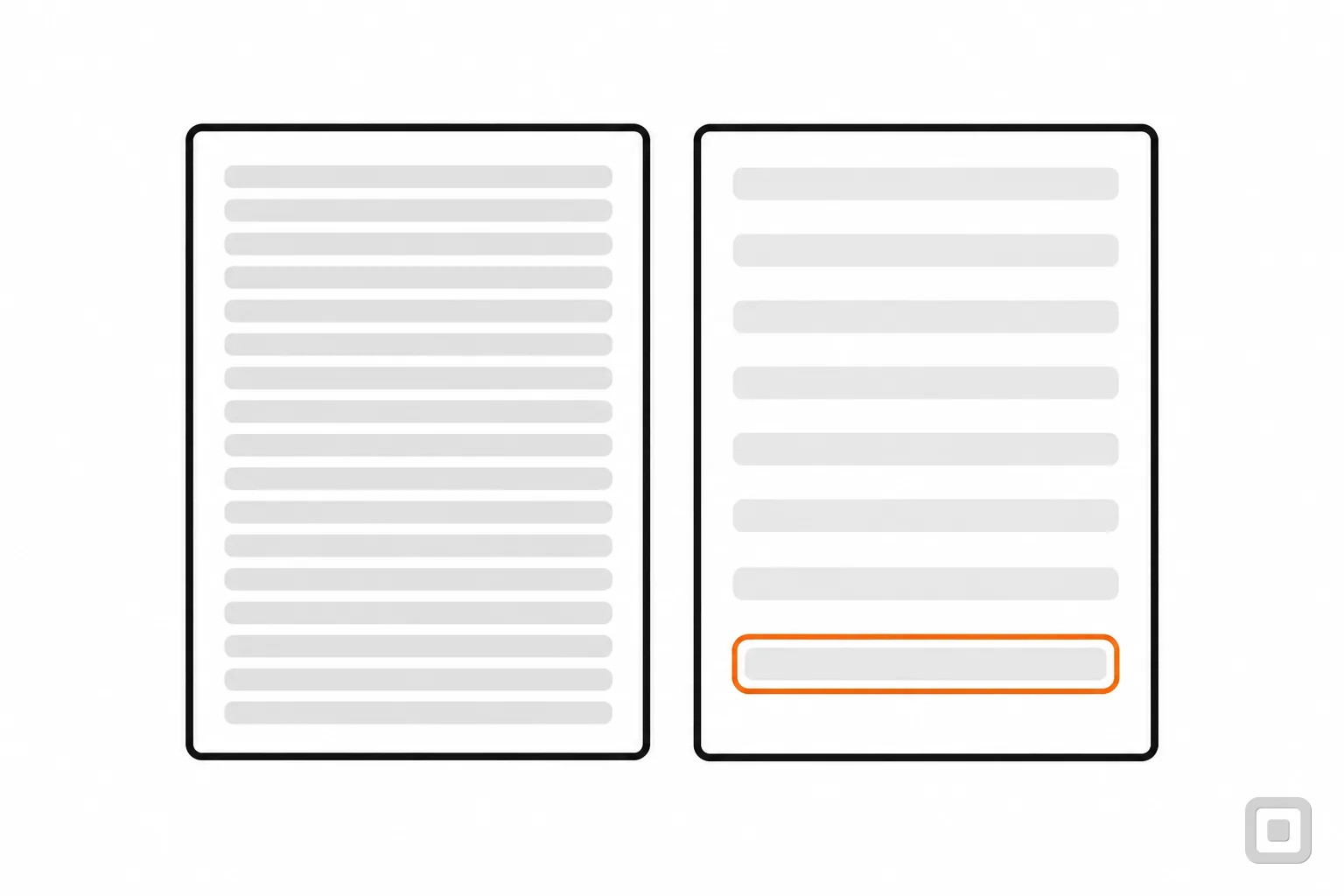
Below are the same three lines from a bakery's opening-hours card, twice. Both start in a tight line height of 1.3, the kind many cards use. Press the button and both get the four 1.4.12 values. The left card keeps the height its text needed before, the way a card with a height set in its CSS does; the right card has no set height.
A card with a fixed height
Saturday hours
Open 8 to 4. Pastries until they sell out, so come early for the almond croissants.
Whole cakes need a day's notice: call the shop before noon on Friday.
A card that grows with its text
Saturday hours
Open 8 to 4. Pastries until they sell out, so come early for the almond croissants.
Whole cakes need a day's notice: call the shop before noon on Friday.
Off: both cards use their own tight line height of 1.3.
The left card fails because a reader who needs more space loses the last lines, and W3C's Understanding document for 1.4.12 shows the same two failures on real headings: text cut off and text overlapping the next block. The fix is never a smaller font. It is a box that grows: a minimum height instead of a height, and no hidden overflow on anything that holds text.
To test your own pages, a reader's tools are yours too: W3C names a user stylesheet, a bookmarklet, a browser extension or an application as ways people set these values. The four lines below do it as CSS; paste them into your browser's developer tools and walk through every template on the site.
* { line-height: 1.5 !important;
    letter-spacing: 0.12em !important;
    word-spacing: 0.16em !important; }
p { margin-bottom: 2em !important; }
W3C lists this as technique C36, allowing for text spacing override, among the ways to meet the criterion. The full reasoning is in W3C's Understanding Text Spacing.
Choosing a typeface that reads well
WCAG will not pick your font, but it will punish a hard one: thin strokes make contrast fail sooner, and tight letters make spacing fail sooner. Four things to look at before you settle on a face for body text.
Letters that cannot be confused
Type these five groups into the preview box of any font you are considering. In a good text face every character in a group looks different from its neighbours, even at small sizes. Here they are in this site's own body face:
- Il1
- O0
- rn m
- 5S
- 8B
Prices, phone numbers, opening hours and order codes are where a 1 read as an l, or an O read as a 0, costs a customer something.
A generous x-height and open shapes
Font size sets the size of the type's body, not of its letters. The height of the lowercase letters, the x-height, is what the eye mostly reads, so two faces at 16px can look a size apart. Open counters, the spaces inside a, e and g, keep letters from filling in at small sizes or on a dim screen.
Regular weight for reading
Hairline and light weights look refined in a mock-up and often struggle in use. A contrast checker measures colours, not strokes, so a grey set at a light weight can pass 4.5:1 and still be hard to make out; the thin-stroke note quoted above says the same. Set body text at a regular weight, keep the lighter weights for large headings, and keep italics and all capitals for short phrases.
One face built for legibility
If you want a face whose maker states its purpose, Atkinson Hyperlegible is one. The Braille Institute designed it in 2019 for readers with low vision, says it focuses on letterform distinction, and offers it free for personal and commercial use; a wider family, Atkinson Hyperlegible Next, followed in 2025 with seven weights. It is a good choice, not a requirement, and like any font it does not make a page meet WCAG by itself.
Takeaway
Pick a plain text face with distinct characters, set it at a regular weight, and load it as a web font with a system fallback. Then judge the page, not the font: contrast, zoom, spacing and reflow.
Size, units and line length
WCAG leaves the body size to you, so choose it by reading the page on a phone held at a normal distance, not by a number from a list. What WCAG does care about is whether the reader can change the size you chose.
Set font sizes in relative units, rem, em or percent, which W3C lists as ways to meet 1.4.4 (techniques C12 and C14). Do not size text in viewport units alone: W3C records that as failure F94, because text sized to the window does not grow when the reader zooms.
Check one line in the page's head as well. W3C's test rule "Meta viewport allows for zoom" fails a viewport tag that sets user-scalable=no or a maximum-scale below 2, because either one stops a phone user from pinching text larger. Some themes still ship it.
Line length and alignment sit at Level AAA, in 1.4.8 Visual Presentation: blocks of text no wider than 80 characters, not justified, with line spacing of at least space-and-a-half. A Level AA target does not require them, but they are cheap to meet in a new design and they make long pages easier for everyone.
A five-minute check of your own type
Run these on your home page, one inner page and your contact form. Each takes a minute with nothing but a browser.
| Check | What to do and what passes |
|---|---|
| Zoom to 200%1.4.4 | Press Ctrl and plus (Cmd and plus on a Mac) until the browser shows 200%. Every word is still there, nothing overlaps, every button still works. |
| Zoom to 400%1.4.10 | In a window about 1280 pixels wide, zoom to 400%. Text wraps into one column; you never scroll sideways to read a line. |
| Turn on the spacing1.4.12 | Apply the four values from the test above. No card, button or menu cuts off or overlaps its words. |
| Measure the colours1.4.3 | Check each text colour on its background, including grey captions, placeholder text and text on photos. |
| Select the words1.4.5 | Drag across the words on banners and buttons. Words you cannot select are an image of text; a logo is the one fair exception. |
A fail on any row is a fix for whoever built the theme, and none of them is solved by swapping the font. For colours, the accessible colour palette check tests every text and background pair of your brand at once. For the other Level AA criteria, work through the WCAG 2.2 AA checklist, and for the order to fix things in, read how to make a website meet WCAG. New to the standard itself? Start with what WCAG is.
This is general information, not legal advice. For your own situation, ask a lawyer.
Related
- Contrast checkTwo colours in, the WCAG contrast ratio out, with AA and AAA words for text and controls.
- Colour contrast requirements explained11 min read
- Accessible colour palette checkEvery pair of your brand colours checked at once, with the nearest shade that passes.
- Use of colour (not just contrast)8 min read