Skip links: what they are and how to build one that works
Updated . A 9 minute read.
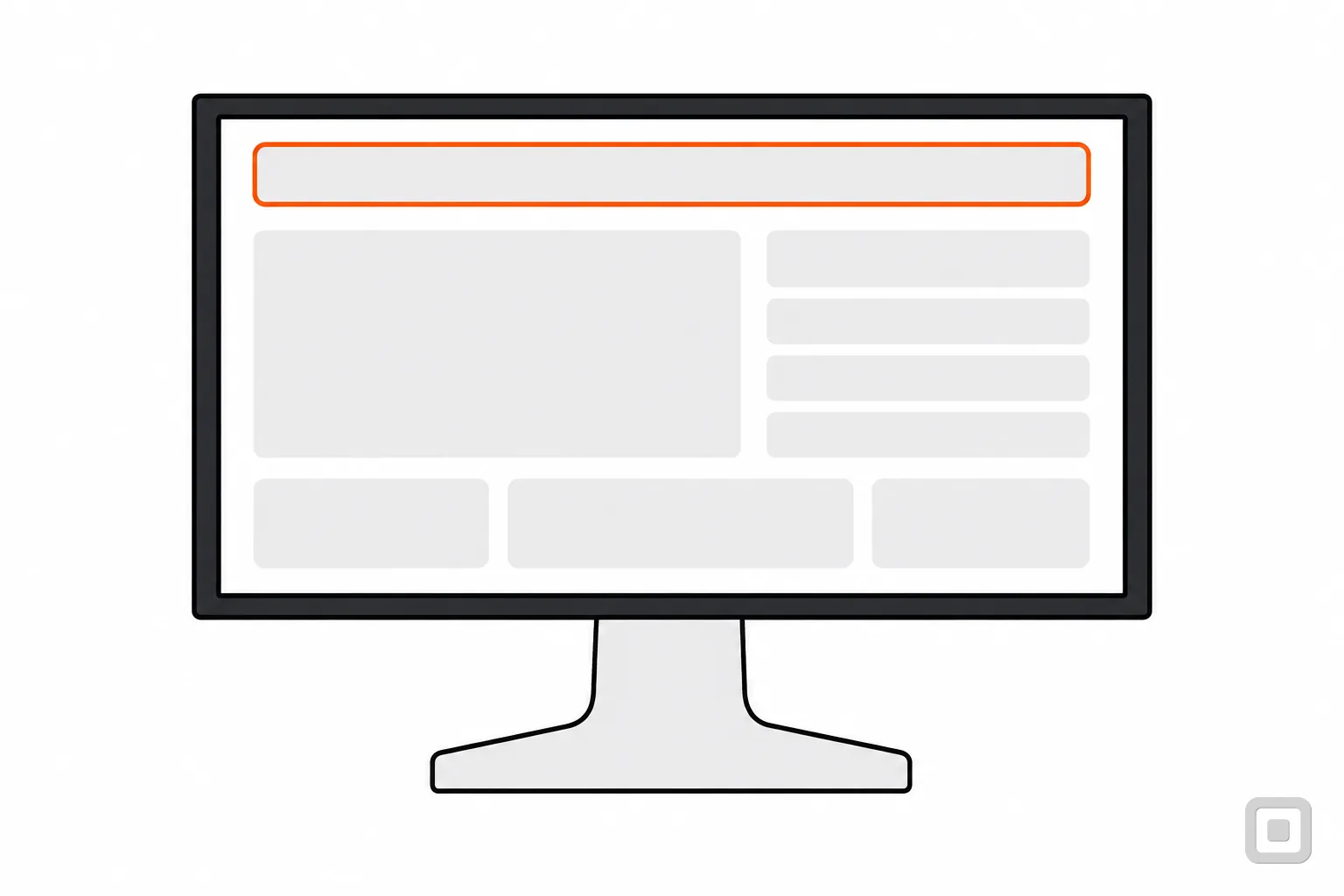
Key presses from the top of this page to the first link in the article
Without a skip link
With the skip link
What a skip link is
A skip link is the first thing on a page that can take keyboard focus: a link, usually reading "Skip to main content", that points at the start of the page's main content. Press Enter on it and focus jumps past the logo, the menu, the search box and anything else that repeats on every page, straight to the part you came for. Mouse users never need it, which is why so many sites hide it until it gets focus.
The saving grows with the header. W3C's own example is a news home page where, without the link, a keyboard user needs about 40 Tab presses to reach the main story and a screen reader user hears about 200 words first. This site's header is short, and the box above counts what it costs you right now.
Who it is for
Keyboard-only users
Every link in the header is one more Tab press, on every page. W3C notes that dozens of keystrokes can take a long time and, for some people, cause real physical pain.
Screen reader users
Without a way past it, the logo, the menu and every header link are read out before the page itself, again on each new page.
Screen magnifier users
At high zoom only a small part of the page is on screen, so finding where the content starts means panning around for it each time.
Switch and voice users
W3C's skip link technique names switch users, people whose keystrokes come slowly and voice recognition users among those who rely on it.
The link also helps a sighted person who tabs because a mouse hurts, and a screen reader user working beside a sighted colleague who wants to see where focus went. That is the argument for making it visible, which comes up again below.
What WCAG asks: 2.4.1 Bypass Blocks
What WCAG asks: 2.4.1 Bypass Blocks, Level A
A mechanism is available to bypass blocks of content that are repeated on multiple web pages.
2.4.1 is Level A and has been in WCAG since 2.0, so every target from WCAG 2.0 Level A upward includes it, the WCAG 2.1 Level AA that the DOJ's Title II rule names among them. Note what it does not say: it asks for a mechanism, not a skip link. W3C lists three link techniques as sufficient (a link to the main content, a link at the start of each repeated block to its end, and a list of links to each area of the page) and, separately, ways of grouping the page so it can be skipped: landmarks, headings, a menu that collapses.
Two more things from W3C's notes. A skip link may stay hidden until it is focused and still meet the rule, though W3C says links visible all the time are preferable. And if a site's repeated navigation sits at the bottom of the page, after the content, a skip link may be unnecessary, because the browser can already take you to the top.
The takeaway
Headings and landmarks can meet 2.4.1 on their own, but the skip link is the one a keyboard user without a screen reader can see and use. Add one; it is a few lines of code.
How to build one that works
Three parts: the link, first in the page; a target that can take focus; and a rule for when the link is seen. The markup is the same in any site builder that lets you edit the page template.
The link first, the target with an id and tabindex (HTML)
<body>
  <a class="skip-link" href="#main">Skip to main content</a>
  <header> logo, menu, search </header>
  <main id="main" tabindex="-1">
    <h1>Page title</h1>
  </main>
</body>
The tabindex="-1" is the part most often left out. In the HTML standard it makes the main element focusable without adding it to the Tab order, so the link can put focus there but nobody tabs onto it by accident. When the browser follows a link to an id it scrolls to the target, focuses it if it can, and moves the starting point for the next Tab press there. Without the attribute the scroll happens but focus has nowhere to land, which is the failure W3C's test for this technique checks: after you press Enter, has focus actually moved?
Then decide when it shows. W3C prefers a link that is always on screen; a link that appears only when it has focus also meets the rule. If you hide it, park it off screen and move it into view on focus. Never hide it with display: none, which takes it out of the Tab order altogether.
Visible when focused, parked off screen the rest of the time (CSS)
.skip-link {
  /* parked above the page, still focusable */
  position: absolute;
  top: -10rem;
  left: 1rem;
  z-index: 100;
  padding: 0.5rem 1rem;
  background: #fff;
  color: #171717;
  border: 2px solid #171717;
}
.skip-link:focus {
  /* in view the moment it has focus */
  top: 1rem;
}
A sticky header needs one more line. When the link takes you to the main content, the browser scrolls it to the top of the window, right under a header that stays put. W3C's technique for 2.4.11 is scroll padding: keep a strip clear at the top that is a little taller than the header. The same line keeps every focused link clear of the header as you tab down, which our guide to focus indicators covers.
Land below a sticky header, not under it (CSS)
html {
  /* a little taller than the sticky header */
  scroll-padding-top: 5.5rem;
}
In a single-page app built with a JavaScript framework, test the link after every upgrade. A router that uses the part of the address after # for its own pages will treat #main as a page, and some routers stop the browser's own handling of the click. If that happens, move focus yourself:
Move focus by hand when a router gets in the way (JavaScript)
const link = document.querySelector(".skip-link");
const main = document.getElementById("main");
link.addEventListener("click", (event) => {
  event.preventDefault();
  main.focus();
});
Try it on this page
This site is its own example. Put the cursor in the address bar, or reload, and press Tab:
- The orange ring lands on "Skip to content" at the top left. It was already on screen before you pressed anything; this site never hides it.
- Press Enter. The address gains #content and focus moves to the page's main element, which carries
id="content"andtabindex="-1". You will not see a ring there, because the main element spans the whole page; it is not a control. - Press Tab once more. The ring lands on Home in the breadcrumb, the first link of this guide.
On a window 768 pixels wide or more the top bar is sticky, and the page keeps 5.5rem clear beneath it, so the content you land on starts below the bar. On a phone the bar scrolls away with the page. The same pattern, with the other things an accessible page shares, is laid out in accessible website examples.
Seven ways a skip link breaks
A broken skip link costs a keyboard user a wasted press on every page, and it is the first thing they try. These are the faults to look for.
Scroll sideways to see every column.
| The bug | What the visitor gets | The fix |
|---|---|---|
| Hidden with display: none or visibility: hidden | The link never takes focus, so nobody can reach it, keyboard users included. An element that is not rendered cannot be focused. | Park it off screen and bring it into view on focus, or leave it visible. |
| Shown on focus, but clipped or covered | Focus is on the link but it is cut off by a header with overflow hidden, or sits behind a banner, so a sighted keyboard user cannot tell where they are. | Show the whole link on top of everything, with the same focus ring as every other link. |
| The id does not match | The link points at #main-content, the page uses id="main", and Enter does nothing at all. | One id, used in both places, on every page template. |
| The target cannot take focus | The page scrolls but focus does not land on the content, so a screen reader may not move with it. | Add tabindex="-1" to the target, usually the main element. |
| It is not the first stop | A cookie banner, a promotion bar or a chat button comes first in the code, so the skip link is the third or fourth Tab press. | Put the link first inside body, before any banner. |
| A sticky header covers the target | The jump works, but the first lines of content land under the header. | Add scroll-padding-top a little taller than the header. |
| Broken in a single-page app | The app's router treats #main as a page address, or swallows the click, and focus stays put. | Handle the click yourself and move focus with focus(), then test after every upgrade. |
The takeaway
Test it the way it is used: Tab once, Enter, Tab once more. If the next stop is not inside the content, one of these seven is the cause.
Landmarks and headings: the other ways to meet 2.4.1
W3C counts two structural techniques as sufficient on their own: landmarks (marking the page's regions so software knows which part is the header, the menu, the main content) and headings at the start of each section. In HTML the plain elements do most of the landmark work; a page built like this already has them.
Landmarks from plain elements, headings inside the main content (HTML)
<header> logo and menu </header>
<nav aria-label="Main"> links </nav>
<main id="main" tabindex="-1">
  <h1>Page title</h1>
  <h2>First section</h2>
</main>
<footer> contact </footer>
Screen readers have keys to jump from landmark to landmark and from heading to heading, so for their users this structure is a bypass in its own right, and often the one they reach for first. Our guide to screen reader testing shows how to try those keys yourself. A keyboard user with no screen reader generally has no such keys, which is why the skip link stays worth its few lines even on a page with perfect landmarks. Do both: they cost nothing together, and they also serve 1.3.1 Info and Relationships.
Check your own site in a minute
These are W3C's own checks for a skip link, in plain words. Run them on your home page and on one inner page.
- It is the first thing Tab reaches on the page.
- Its words say where it goes, such as "Skip to main content".
- It is always visible, or becomes visible the moment it has focus.
- Enter takes you to the main content.
- Focus has actually moved: the next Tab lands inside the content, not on the menu.
A skip link usually lives in the theme, not in anything you wrote, so if it is missing or broken the fix belongs there. Do not assume a theme has one: Shopify's rules for its Theme Store require keyboard access, a visible focus state and contrast, but list a skip link only among its recommended best practices. Our comparison of accessible Shopify themes checks each theme for one, and the comparison of WordPress accessibility plugins covers plugins that add one to a theme that lacks it. The focus order checklist starts with the skip link and walks the rest of the page, and the WCAG 2.2 AA checklist keeps it beside the other criteria.
Quick reference
Skip links in six lines
- 2.4.1 Bypass Blocks, Level A: a way past the blocks that repeat on every page.
- First in the page:
<a href="#main">Skip to main content</a>. - Target:
<main id="main" tabindex="-1">, so focus really moves. - Visible all the time, or the moment it has focus. Never
display: none. - Sticky header:
scroll-padding-topa little taller than the header. - Landmarks and headings too: screen reader users jump by them.