Accessible website examples: the patterns, shown on this page
Updated . A 10 minute read.
Test this page in two minutes
Every pattern this guide describes is on the page you are reading. Try these five steps with your keyboard.
- Press Tab once."Skip to content" at the top left takes the orange ring. It was on screen before you pressed anything. Press Enter, then Tab: you land in the article, past the menu.2.4.1
- Keep pressing Tab.The ring moves link by link in reading order, and on a wide window it never slides under the bar at the top.2.4.3, 2.4.7, 2.4.11
- Zoom to 400% (Ctrl or Cmd and the + key).The text grows, the side column folds into the page, and nothing makes you scroll sideways to read a line.1.4.4, 1.4.10
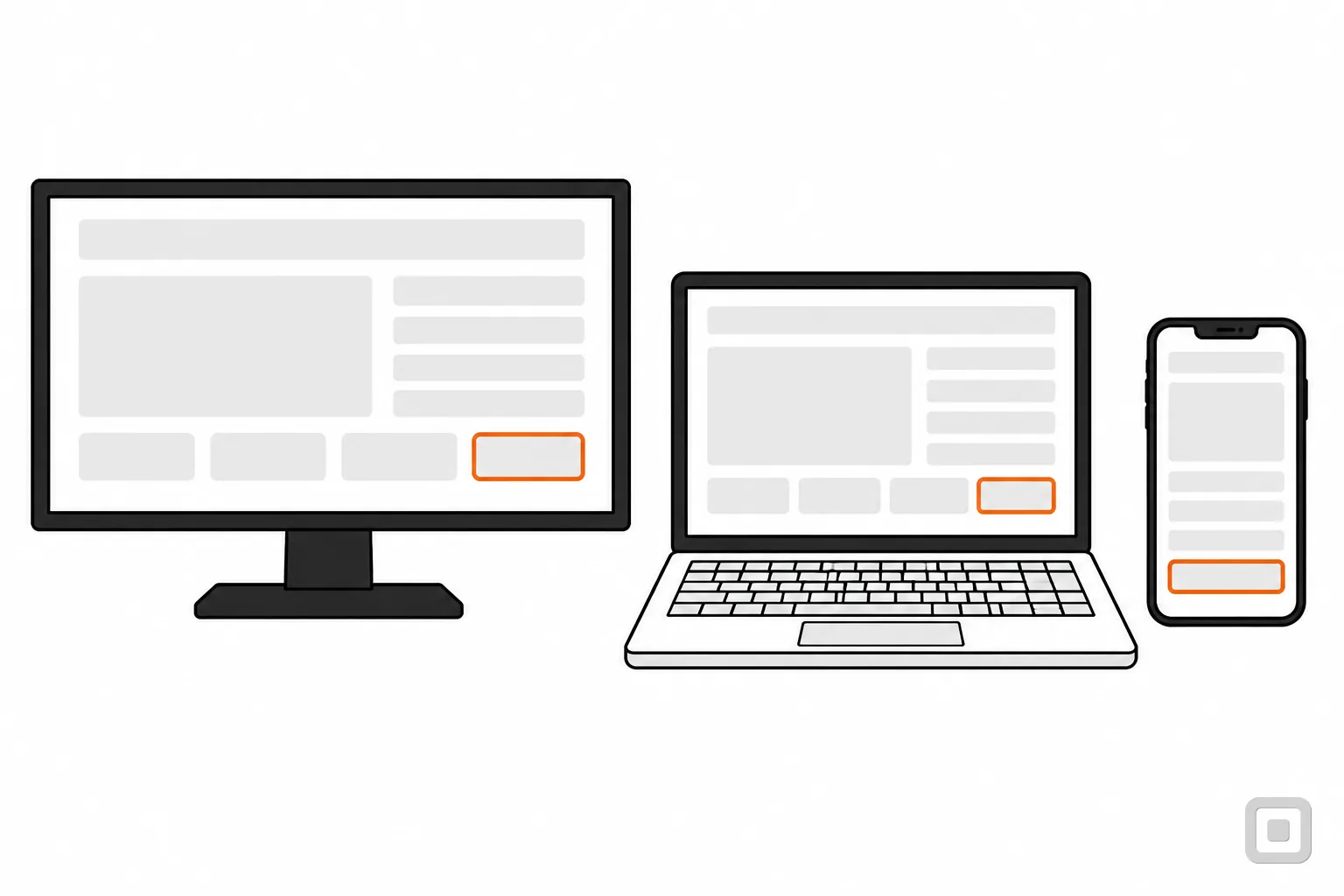
- Look at the picture under the title.A caption sits under it as Fig. 1, and the image carries alt text that says what it shows.1.1.1
- Scroll to the very bottom."Accessibility statement" in the footer: a dated page with the standard this site aims for, what is not tested yet, and how to report a problem. No criterion asks for one; W3C advises it.
Why this page shows patterns, not a list of compliant sites
Search for "ADA compliant website examples" and most of what comes back are lists of well-known brands, many of them written by companies that sell accessibility products. None of those lists can be checked. No federal body certifies a website as ADA compliant, the Department of Justice has no detailed web rule for businesses, and a site that passed an audit in spring can break with one theme update in summer. A name on a list tells you nothing you can use on your own site.
What accessible sites share is a set of patterns, and those can be shown and checked. W3C's own first-review checklist, Easy Checks, is a list of exactly these patterns, and it is honest about its limits:
A web page could seem to pass these checks, yet still have significant accessibility barriers. More extensive assessment is needed to evaluate accessibility comprehensively.
So each section below names one pattern, the WCAG 2.2 criterion behind it, and where to see it working on the page you are reading. This site aims to conform to WCAG 2.2 Level AA and says so, with its known gaps, in its statement. Where it helps, a section also points to a public demonstration that W3C itself built. Nothing here ranks other businesses or calls their sites compliant.
Getting around: a skip link, real headings and a page language
What WCAG asks: 2.4.1 Bypass Blocks, Level A
A mechanism is available to bypass blocks of content that are repeated on multiple web pages.
On this page: the "Skip to content" button at the top left. Most sites hide their skip link until it gets focus; this one shows it all the time, so sighted keyboard users know it is there. It points at the main content, which can take focus, so the next Tab starts in the article instead of at the menu. W3C's Easy Checks calls a skip link "the first interactive element on a page", and here it is.
Headings are the second way around. Screen reader users jump from heading to heading the way you skim bold lines, so headings have to be real heading tags in a sensible order, not large bold text (1.3.1 Info and Relationships, Level A), and they have to say what the section is about (2.4.6 Headings and Labels, AA). On this page: one H1, then an H2 for each section, and the "On this page" list is built from those same headings, so the two can never disagree.
Two quieter patterns sit in the code. The page declares its language, English, so a screen reader reads it with the right pronunciation (3.1.1 Language of Page, Level A), and the browser tab carries a title that names this page before the site name (2.4.2 Page Titled, Level A).
Seeing where you are: a focus ring that is never hidden
A keyboard user needs to see which link or field is active, the way a mouse user sees the pointer. 2.4.7 Focus Visible (Level AA) asks for a visible indicator; 2.4.11 Focus Not Obscured (Minimum), new in WCAG 2.2 and also AA, asks that a sticky header or cookie banner never hides the focused item entirely.
On this page: every link, button and field draws a solid 3px orange outline, set 3px away from its edge, when it has keyboard focus. Nothing on the site removes it. On wider screens the bar at the top stays put as you scroll, so the page keeps a strip of space clear under it with one line of CSS, the scroll padding W3C lists as a sufficient technique, and a focused link always lands below the bar.
Our guide to focus indicators has the CSS and a demo, and the focus order checklist walks a page of your own stop by stop.
Reading: contrast, zoom and reflow
Text has to stand out from its background: 4.5:1 for normal text at Level AA (1.4.3), 7:1 at AAA (1.4.6). It has to grow to 200 percent without anything being cut off (1.4.4, AA), and at a width of 320 CSS pixels, which is a 1280-pixel window zoomed to 400 percent, it has to reflow into one column you read top to bottom, without scrolling sideways (1.4.10 Reflow, AA).
On this page: the black text measures 17.93:1 on white and the grey text, like the date line under the title, 7.00:1. Both clear the AAA line, which this site holds its body text to on purpose. Zoom in to 400 percent and the side column folds into the page; nothing needs a sideways scroll except the wide tables, which scroll inside their own box.
Check your own colours with the contrast check, and read colour contrast requirements for what counts as large text and which parts of a page the rules cover.
Images and tables that explain themselves
An image that carries meaning needs a text alternative that does the same job (1.1.1 Non-text Content, Level A); an image that only decorates gets an empty one, so a screen reader skips it. A data table needs its header cells marked as headers, so each number is read with the column and row it belongs to (1.3.1).
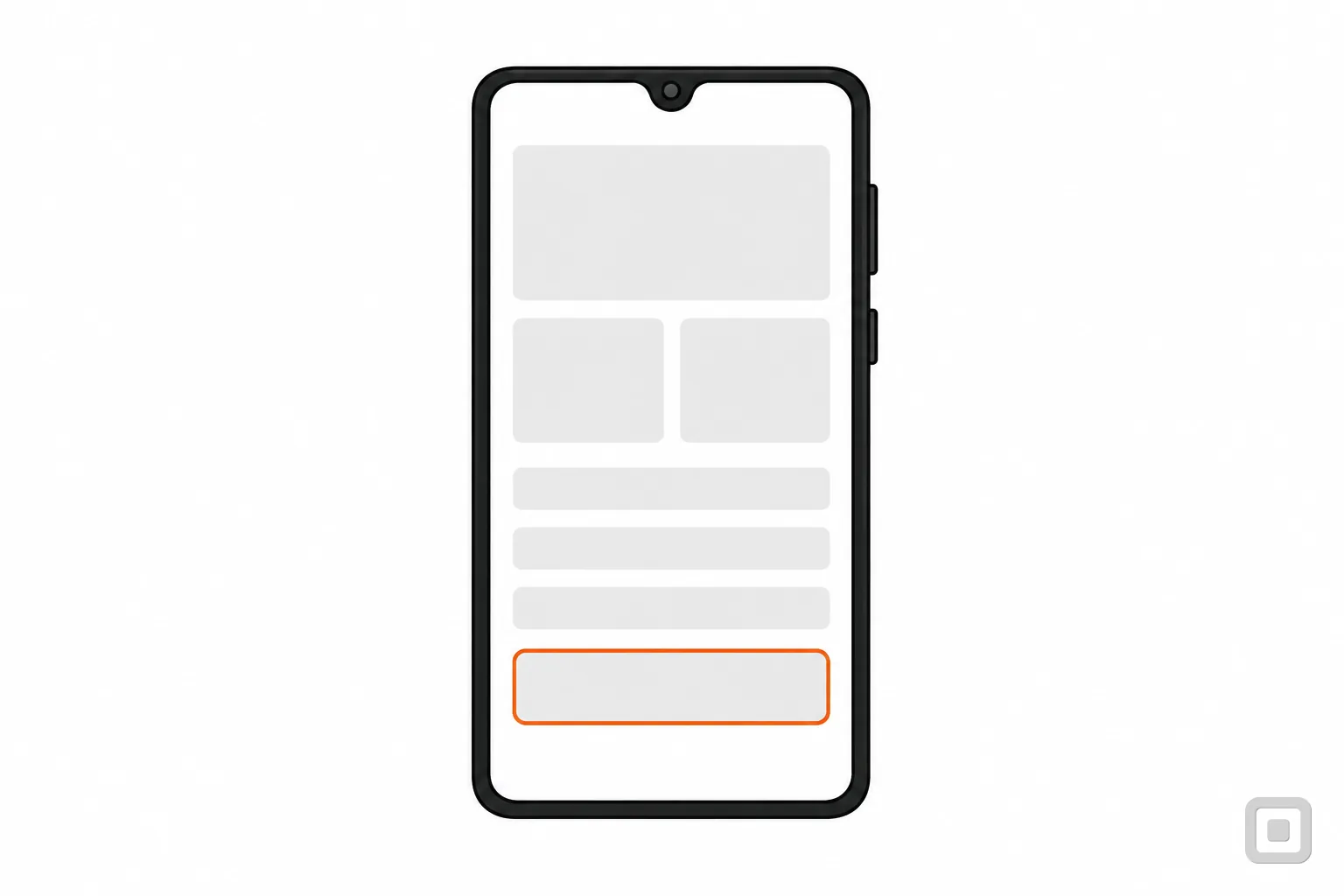
On this page: the drawing under the title, Fig. 1, has this alt text in its code: "Line drawing of a monitor, a laptop and a phone with clean page layouts, each with one button ringed in orange". Its caption says the same thing in a sentence anyone can read. The table at the end of this guide has a visible caption, header cells for its columns and its first column, and a box you can reach by keyboard and scroll on a phone.
How to write alt text that does its job, with dozens of cases, is in alt text examples.
Forms with labels you can see
"Inaccessible online forms" are one of the six barriers the Department of Justice names in its web guidance, and missing labels were the third most common failure in WebAIM's 2026 scan of a million home pages, found on 51% of them.
On this site: the contact form. Each of its three fields has a visible label above it, tied to the field in code; one line above the form says all three are required; the name and email fields tell the browser what they hold, so it can fill them in. Send it with a field empty and the message under that field says what to fix, and focus moves to the first field that needs it. There is no CAPTCHA puzzle.
Every rule a form has to meet, with a live booking form that shows errors done right, is in ADA compliant forms.
Video with captions, a transcript and description
Recorded video needs captions at Level A (1.2.2), and at Level AA it needs audio description of anything important that is shown but not said (1.2.5). Captions carry the speech, who is speaking, and sounds that matter, not only the dialogue.
This site has no video, so it cannot show this one itself. The clearest public example is W3C's own Video Captions page in its Web Accessibility Perspectives series. The short film has a captions track in WebVTT, an "Enable Audio Description" button that switches to a version with the visuals described, and under the player a full transcript that includes a description of the visuals. The compilation of the series is also offered as an MP4 file with a separate captions file, for anyone who cannot use YouTube.
What the rules ask of your own videos is in video caption requirements and what audio description is.
An accessibility statement with a way to report problems
No WCAG criterion requires a statement, but W3C advises one with at least a commitment, the standard you aim for and a way to contact you, and it says a statement is not a declaration of conformity. The Department of Justice's guidance lists a way for the public to report accessibility problems among the things a site should consider.
On this site: the accessibility statement, linked from every footer. It is dated, names WCAG 2.2 Level AA as the target, lists how the site was tested and what has not been tested yet, names the examples that fail on purpose, and ends with how to report a barrier.
For a second example, read the statement W3C wrote for its own accessibility site, the WAI website statement. It was made with W3C's statement generator and covers the conformance status in W3C's own words, how to give feedback and how fast they reply, browser support, known limitations with their alternatives, and how they assessed the site: by self-evaluation. Our accessibility statement generator writes one on the same outline for your business.
Before and after: W3C's demonstration site
To see the same patterns missing and then fixed, W3C built the Before and After Demonstration: a made-up city portal, once as an inaccessible site and once retrofitted. It has four pages (home, news, tickets and a survey form) plus the template behind them, each with annotations you can switch on to highlight the barriers or the repairs, and an evaluation report for each page.
The survey is the one to open first. The "before" version has no label elements at all; the "after" version ties a label to each field, groups the radio buttons under a fieldset with a legend, and says at the top that fields are required unless marked otherwise.
Read it for what it is: W3C dates the demo 2012 and built it to WCAG 2.0, and says it does not cover every barrier. Rules added since, such as target size and accessible sign-in in WCAG 2.2, are not in it.
Check any site against the same patterns
The table gathers every pattern on this page with the criterion behind it and a check you can run in a minute, on your own site or on any site you are thinking of copying. For a full pass, work through the ADA website checklist for small business or the WCAG 2.2 AA checklist.
Scroll sideways to see every column.
| Pattern | Criterion | On this page | Check it in a minute |
|---|---|---|---|
| Skip link | 2.4.1A | "Skip to content", top left | Press Tab once on the home page. Does a skip link appear and work? |
| Real headings | 1.3.1, 2.4.6A, AA | One H1, an H2 per section | List the headings with a browser extension or screen reader. Do they outline the page? |
| Page language and title | 3.1.1, 2.4.2A | lang="en"; the tab title | Read the tab title. View source and look for lang on the html tag. |
| Visible focus | 2.4.7AA | The 3px orange ring | Tab through. Can you always see where you are? |
| Focus not hidden | 2.4.11AA | Space kept under the sticky bar | Tab down a long page. Does anything ever hide behind a header or banner? |
| Readable contrast | 1.4.3AA | Ink and grey text, both 7:1 or more | Test text colours in a contrast checker: 4.5:1 or more. |
| Zoom and reflow | 1.4.4, 1.4.10AA | Zoom to 400% | Zoom to 400%. Can you read every line without scrolling sideways? |
| Alt text and captions | 1.1.1A | Fig. 1 and Fig. 2 | Do pictures that carry meaning have alt text that says it? |
| Table headers and caption | 1.3.1A | This table | Does each data table have header cells and a caption? |
| Labelled form fields | 3.3.2, 1.3.1A | The contact form | Click each label. Does the cursor land in its field? |
| Captioned video | 1.2.2, 1.2.5A, AA | None on this site; see W3C's Video Captions page | Turn the sound off. Can you follow every video from its captions? |
| Accessibility statement | No criterionW3C advice | Footer, "Accessibility statement" | Is there a dated statement with a standard and a way to report problems? |
A site that passes all of these can still have barriers a checklist cannot see, which is why the Department of Justice pairs automated tools with a manual check. This is general information, not legal advice. For your own situation, ask a lawyer.
Related
- ADA website checklist for small business41 plain tests by page part, from the menu to the footer, with the WCAG criteria each answers.
- Accessibility statement generatorFill in a short form and get a plain statement in W3C's structure, to copy as text or HTML, or print.
- Skip links9 min read
- ADA compliant forms12 min read