Accessibility overlays: what they do and what they don't
Updated . An 8 minute read.
What the FTC's complaint says visitors met on sites running one overlay, sorted by where each fault sits
In the site’s own pages
Fixed in the template, the theme and the components
- Images with no alt text, or alt text such as “img_4534 scaled” (para. 79; WCAG 1.1.1)
- A keyboard trap in a reservation form’s month picker (para. 80; WCAG 2.1.1)
- No visible keyboard focus indicator (para. 80; WCAG 2.4.7)
- A pop-up a screen reader did not announce, with no way told to close it (para. 80; WCAG 4.1.3)
- Table headers coded so data cells were read without them (para. 82; WCAG 1.3.1)
In files and media the site publishes
Fixed in the caption file, the transcript or the source document
- Audio and video without adequate captions or transcripts (para. 83; WCAG 1.2.1, 1.2.2)
- PDF files that were not accessible (para. 84)
On another company’s pages
Fixed by that provider: ask what it has tested
- Booking and checkout pages on another domain that did not run the widget (para. 85)
Source: the FTC's complaint, paragraphs 79 to 85, with the WCAG criteria it cites. These are allegations about sites running accessiBe's accessWidget. The company settled them with a consent order, which is not a court finding. The grouping is ours.
What an overlay is
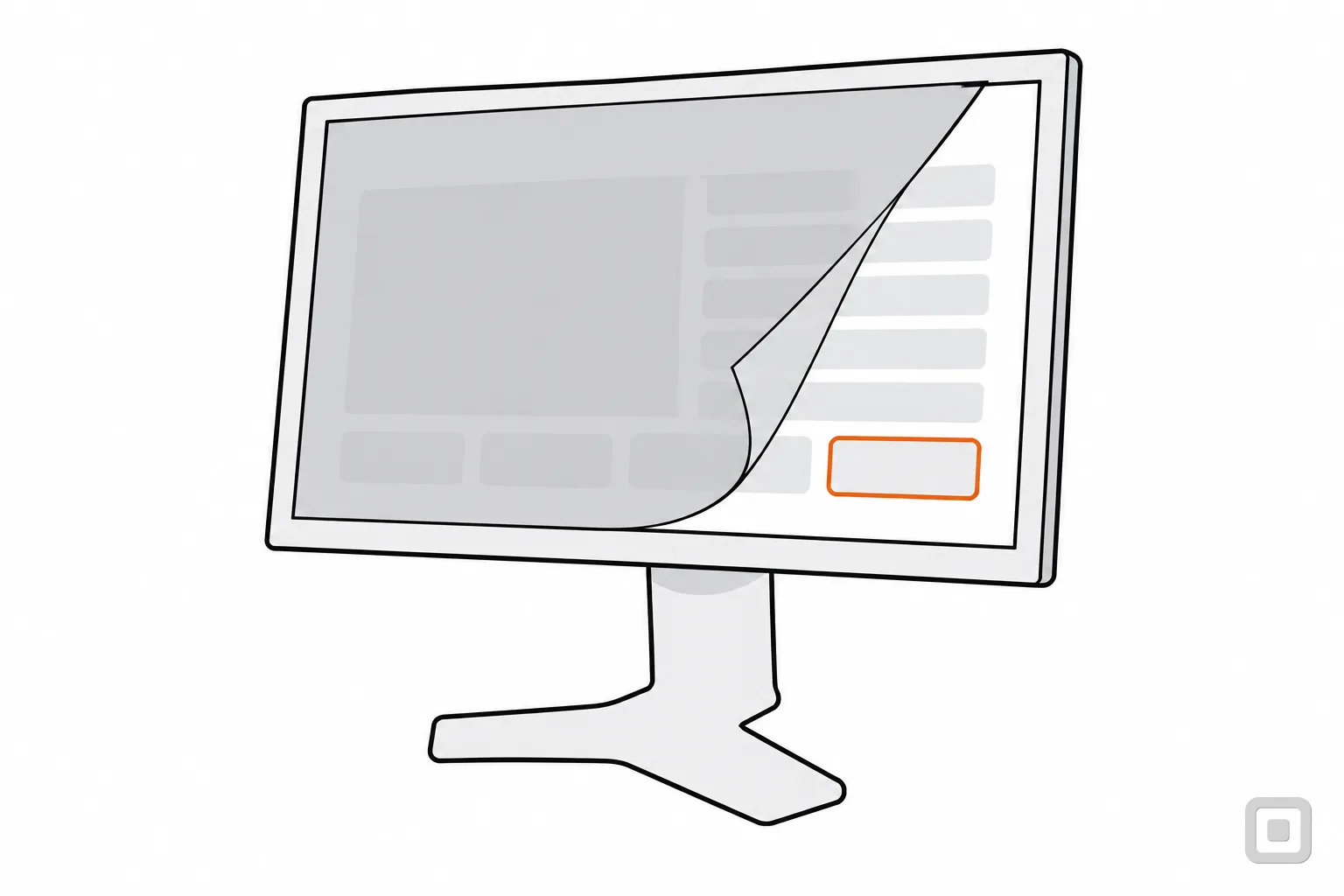
An overlay is a third-party widget or toolbar script sold as making a site conform without changing its source. You paste one line of code into your site's template. When a visitor opens a page, the browser loads your page first and then the vendor's script, which changes what the browser shows. Your files on the server stay as they were.
Most overlays do one or both of two jobs:
- A toolbar for the visitor. A button opens controls for text size, contrast, spacing, a reading guide and the like, which change the page for whoever presses them.
- Automatic repair. The script scans the page as it loads and edits it: it adds alt text it has guessed, attaches labels and roles to controls, and changes focus behaviour.
Not every script that edits a page is an overlay in this sense. A WordPress plugin that adds a skip link to a theme that lacks one, and says plainly it does not make a site meet any guideline, is a patch. Our WordPress plugins comparison draws that line. What makes an overlay is the promise: that the script, rather than work on the site, brings the site into conformance.
What an overlay can change, and what it cannot
The toolbar repeats what the browser already does
People who need larger text or different colours set them once, in the browser or the operating system, and they apply everywhere. W3C's own page on changing text size and colours answers the question directly:
What W3C says about widgets
We chose to provide these instructions so that users can learn how to change the display for all websites. Widgets change only the website they are on.
Source: W3C WAI, How to Change Text Size or Colors (read 23 October 2026).
The same page says those settings may not work consistently on sites that do not meet accessibility guidelines, and that some sites are built to defeat them. That is the useful job for a site owner: make the page respect the visitor's own zoom and colours. The contrast check covers the colours you choose yourself.
Automatic repair has to guess
A script sees markup, not meaning. It cannot know that a photo shows this week's special rather than a plate of food, what an unlabelled field is for, or what a speaker says in a video. Where it guesses wrong, the guess is what a screen reader announces.
The W3C's guide to ARIA, the attributes that tell assistive technology what a control is, opens with a rule it calls “No ARIA is better than Bad ARIA”, and explains why:
Incorrect ARIA misrepresents visual experiences, with potentially devastating effects on their corresponding non-visual experiences.
A role added by guesswork is that kind of misrepresentation. Read more in the ARIA Authoring Practices Guide, and hear the result for yourself with the steps in screen reader testing.
Some content is out of reach
Documents, media and embedded content sit outside the page the script edits. The FTC's complaint alleges that one vendor did not disclose that, unless extra services were bought, its widget did not make documents (Word, Excel, PowerPoint, PDF), audio, video or embedded content accessible (paragraph 86). A PDF is fixed in its source file, as how to make a PDF accessible shows, and a video by its captions.
Why an overlay does not make a site conform
WCAG conformance is a pass on every criterion, on the whole page. For Level AA, WCAG says the web page “satisfies all the Level A and Level AA success criteria”, and conformance “cannot be achieved if part of a web page is excluded” (WCAG 2.2, conformance requirements). An overlay would have to get every one of them right, on every page, after every content change. Three things stand in the way.
- The source is unchanged. Anything the script misses, or any visit where it does not load, shows the page as it really is. Every fault in the opening table is still in the code.
- Judgement cannot be automated. W3C says it of every automated tool: “Tools cannot check all accessibility aspects automatically. Human judgement is required.” (W3C WAI, selecting evaluation tools). A tool that cannot judge a page cannot repair it either.
- Assistive technology already does its job. Screen readers, magnifiers and voice control are the visitor's own tools. The Overlay Fact Sheet, a statement written and signed by accessibility practitioners and people with disabilities (its signatories include contributors to the WCAG, ARIA and HTML specifications), says the users these features claim to serve already have them on their computers, and that repairs to the page can cause unexpected page changes for assistive technology users.
What DOJ says
Automated accessibility checkers and overlays that identify or fix problems with your website can be helpful tools, but like other automated tools such as spelling or grammar checkers, they need to be used carefully. A “clean” report does not necessarily mean everything is accessible.
Source: DOJ, Guidance on Web Accessibility and the ADA, 18 March 2022 (read 23 October 2026). The guidance is informal and not legally binding.
What the FTC order says
On 3 January 2025 the FTC announced a proposed order requiring accessiBe to pay $1 million (Commission vote 5-0), and it approved the final consent order on 22 April 2025 (vote 3-0). The FTC alleged accessiBe claimed its accessWidget plug-in could make any website WCAG-compliant when it did not, and that paid reviews were dressed as independent ones.
- Provision I: Bars accessiBe from claiming its automated products can make any website WCAG-compliant, or keep it compliant over time, without competent and reliable evidence.
- Provisions III and IV: Bar presenting paid or connected reviews as independent, and require disclosure of material connections with endorsers.
- Provision V: Requires accessiBe to disclose that its widget does not fix barriers on third-party domains or subdomains unless they also run it, before a customer pays.
- Provision VI: Requires accessiBe to pay the Commission $1 million.
- Provision XIII: The order ends after 20 years, with exceptions.
Three limits keep the record accurate. A consent order settles allegations; it is not a court finding that the company broke the law. It binds accessiBe alone (FTC matter 222-3156), not other vendors. And in a statement published with the proposed order, two commissioners wrote that their vote should not be read as saying the ADA or WCAG requires a site owner to make third-party domains accessible; they took no position on that question.
What the record does show is the claim at its centre: that a script could bring any site into WCAG conformance. The FTC's analysis of the order, provision by provision, is in the Federal Register (90 FR 647, 6 January 2025).
What to do instead
If you came here looking for the best accessibility overlay or widget, we do not rank, price or recommend any. If what you want is a site people can use and a record that shows it, four steps do that, and the first one costs nothing.
1. Test the site as it really is
Switch any widget off first, so you test the code a visitor gets. Run a free checker, then put the mouse away and Tab through your home page, a form and your checkout or booking flow. The free testing tools compared cover the checker; the focus order checklist and the alt text check cover two of the barriers in the opening table.
2. Fix each fault where it lives
Alt text goes into your content, focus styles into your theme, labels and keyboard behaviour into the component, captions next to the video. A fix made there is there for every visitor, on every device, with or without a script. The WCAG 2.2 AA checklist lists every criterion with what passes.
3. Have a person retest
A scan that stops flagging a fault has not proved the fault is gone. Someone with a keyboard and a screen reader checks the fixed pages again, and checks the pages you link to on other domains, such as a booking engine or a payment page. The WCAG audit services compared say on their own pages whether they retest.
4. Write it down and say so in public
Keep the dated report, the list of fixes and the retest. Then publish an accessibility statement: W3C says one should contain at least a commitment to accessibility, the standard applied (such as WCAG 2.2) and contact information in case users meet a problem. The accessibility statement generator writes one that credits the work, not a widget.
Already running an overlay?
Taking it off is quick; what matters is the week after. Our alternatives to accessiBe sets out what to do when you switch one off, and the testing tools and audit services that work on your code instead.
Quick reference
- An overlay: a third-party widget or toolbar script sold as making a site conform without changing its source.
- The toolbar: changes one site; the visitor's own browser settings change every site.
- Automatic repair: guesses at meaning, and a wrong guess is what a screen reader reads.
- Conformance: every Level A and AA criterion, on the full page. The source is what has to pass.
- DOJ: automated checkers and overlays need to be used carefully; a clean report is not proof.
- The FTC order: accessiBe, $1 million, final on 22 April 2025; bars unsupported claims that its products make any site WCAG-compliant.
- Instead: test, fix in the source, have a person retest, publish a statement.
Not legal advice
This is general information, not legal advice. For your own situation, ask a lawyer.
If an overlay was sold to you after a demand letter, the demand letter response checklist puts the first steps in order, and ADA website lawsuits explains what a claim is about.
Related
- Accessible alternatives to accessiBeAudit services and testing tools instead of an overlay widget, and why overlays are left out.
- WCAG audit services comparedWho audits a small-business site by hand against WCAG 2.1 or 2.2 AA, verdict by use case.
- Accessibility testing tools comparedCheckers you run page by page, judged on rules mapped to WCAG and what they leave to a person.
- ADA compliant website: what the law asks10 min read